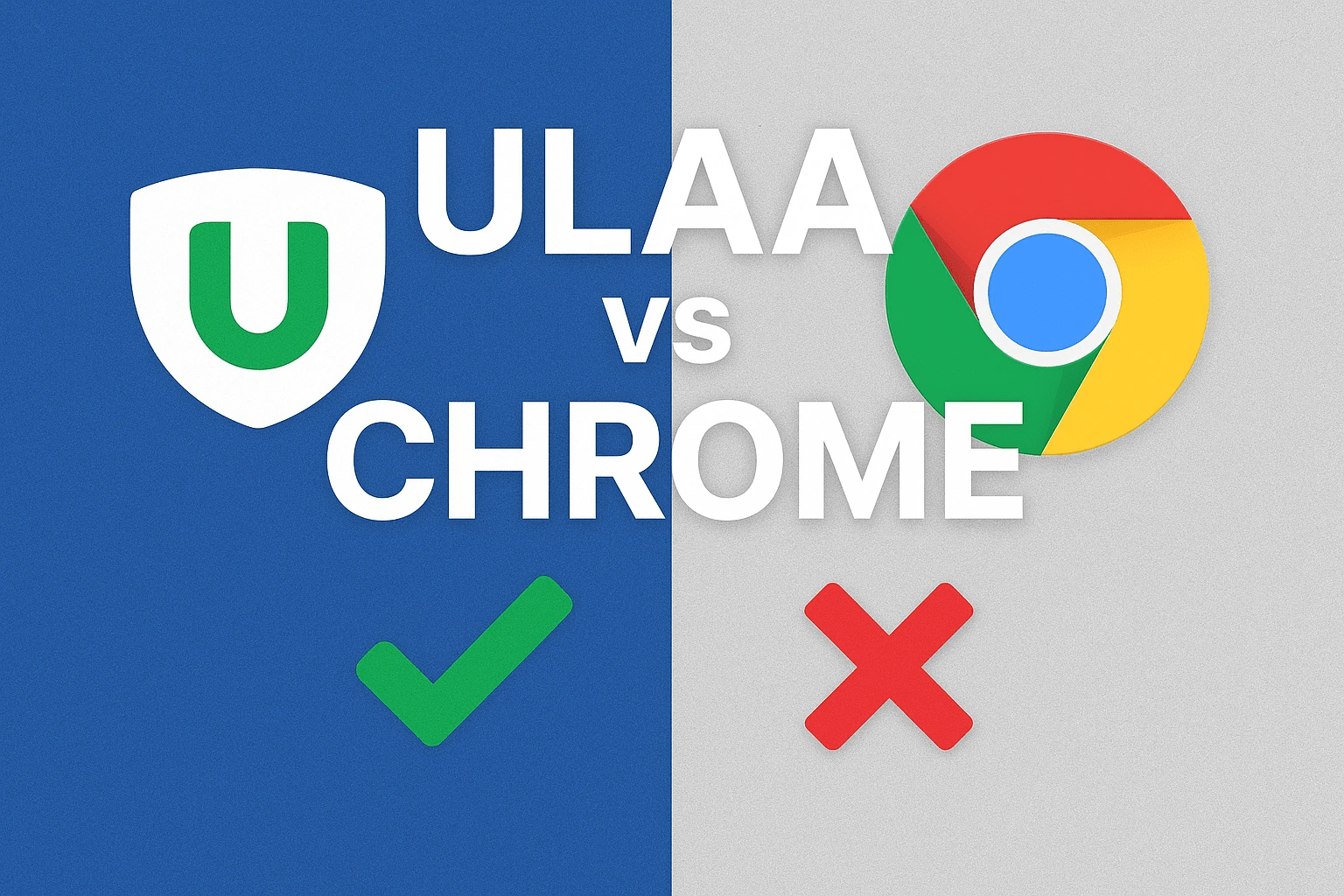
Intro: What is Ulaa — an Indian web browser made for privacy
Ulaa is a privacy-focused web browser developed by Zoho, the Indian software giant known for its enterprise products. Unlike Chrome, which is tightly connected with Google’s ecosystem and ads, Ulaa emphasizes user control, privacy, and productivity. Built with an “India-first” mindset, it offers features like built-in ad blocking, privacy modes, productivity profiles, and cross-device sync without tracking your behavior. For Indian users who want to support homegrown tech while staying safe online, Ulaa is emerging as a strong contender.
Why Ulaa matters for Indian users
For many Indians, using browsers like Chrome comes with compromises — data collection, targeted ads, and reliance on global tech giants. Ulaa addresses these concerns by keeping privacy at the core, reducing trackers, and offering Indian hosting and compliance advantages. It is also developed by Zoho, a company that already serves millions of Indian businesses and government bodies, making trust a key selling point.
Ulaa vs Chrome: Key Feature Comparison
Here’s how Ulaa stacks up against Chrome across major features:
| Feature | Ulaa | Google Chrome |
|---|---|---|
| Origin | Made in India by Zoho | Developed by Google, USA |
| Privacy | Strong privacy focus, no user tracking, built-in ad/tracker blocker | Collects user data for personalization and targeted ads |
| Performance | Lightweight, optimized for speed with fewer background processes | Fast but resource heavy, high RAM usage on multiple tabs |
| Profiles & Productivity | Multiple modes like Work, Personal, Developer, Kids mode | Profiles exist but mostly tied to Google account |
| Extensions | Supports Chrome extensions from Chrome Web Store | Full Chrome Web Store access |
| Sync | Zoho account sync, no tracking, optional cloud integration | Google account sync, tied to Google services |
| Security | Built-in ad & tracker blocking, phishing protection | Strong security, phishing protection, but trackers remain |
| Resource Usage | Lightweight, designed for efficiency | Heavy on RAM and CPU with multiple tabs |
| Data Ownership | Data sovereignty & Indian compliance | Data stored globally, subject to Google’s policies |
| Special Features |
|
|
| User Base | Growing in India, appealing to privacy-conscious users | Most widely used browser globally (65%+ market share) |
| App Links | Download Ulaa | Download Chrome |
Where Ulaa Shines for Indian Users
- Made in India: Designed by Zoho, aligning with India’s digital sovereignty goals.
- Privacy-first: Blocks ads and trackers by default, unlike Chrome.
- Modes for productivity: Work and Personal profiles help users separate tasks without distractions.
- Lightweight: Consumes fewer system resources, making it smoother for mid-range devices common in India.
- Kids Mode: Unique child-safe browsing option, ideal for families.
Honest Trade-offs
- Market reach: Chrome’s massive user base and Google services ecosystem make it harder to replace.
- Feature maturity: Chrome has over a decade of refinements, Ulaa is still new and improving.
- Extensions: Both support Chrome Web Store, but Ulaa may need more time to fine-tune compatibility.
Conclusion: Should you try Ulaa?
If you’re an Indian user who values privacy, local ownership, and efficient browsing, Ulaa is a fantastic option to try. It won’t immediately replace Chrome’s global dominance, but it offers a refreshing, privacy-respecting, and India-first alternative for daily browsing. Supporting Ulaa also means supporting Indian technology on the world stage.
Useful Links
- Ulaa Official Site
- Zoho Website
- Google Chrome Official Site
- NDTV Gadgets360: Ulaa Launch
- The Hindu Coverage on Ulaa
EXPLORE MORE
 How Chrome’s Real-Time Protection Safeguards Chrome Users
 Google Gemini vs ChatGPT-4 Detailed Comparison
 Google Pixel 9 vs Pixel 9 Pro Detailed Comparison
 Arattai vs WhatsApp – What You Should Know About App Features, Detailed Comparison
 Detailed Review of iPhone 16 Pro Max – Is It Worth Buying?
 Detailed Review of Redmi Note 14 Pro – Is It Worth?